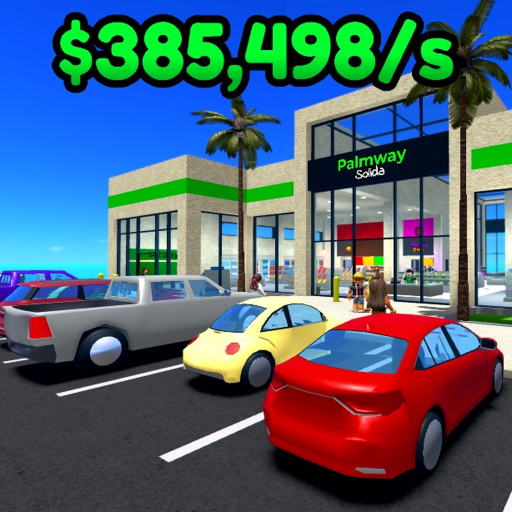
RestStopTycoon
Safe issue checks

Rest Stop Tycoon Troubleshooting Guide

Use ordered checks when Rest Stop Tycoon looks stuck or an interaction is not working, without guessing at outages or unsupported fixes.

Official mechanicChecked July 18, 2026
Quick answer

The safe decision path

First confirm you opened the exact Roblox experience by Juicebox prod. Then repeat the interaction while watching for visible requirements or feedback. Rejoin once to clear a session-only state, check the official updated status, and stop before deleting data, spending Robux, or following a fix written for a different Rest Stop Tycoon game.

Step-by-step

Follow the visible evidence

Make one decision at a time, then recheck the same part of your rest stop.

  1. 01

    Confirm the exact game identity

    Use the official Roblox link and check the creator is Juicebox prod. Same-title mobile apps and cloned Roblox places may have entirely different controls and fixes.

  2. 02

    Read visible requirements and feedback

    Repeat the action once and watch the current panel, button state, and requirement text. A locked or unaffordable action is different from an interaction failure.

  3. 03

    Try one clean rejoin

    Leave and rejoin once to test whether the issue belongs to the current server session. Do not repeatedly reset progress or purchase items as a diagnostic step.

  4. 04

    Check current update status

    Use the updates page for the official modified timestamp and any collected exact-game note. An updated timestamp alone does not describe what changed.

  5. 05

    Use official Roblox support for platform issues

    Account, purchase, moderation, and Roblox platform problems belong with Roblox support. This independent guide cannot access accounts or restore purchases.

If you're stuck

Common mistakes

Assuming an outage

One failed request or one server is not enough evidence to call the whole game down.

Using another game's fix

Instructions for the unrelated mobile title or a cloned Roblox experience can create new problems.

Spending to test

Do not spend Robux or reset progress merely to see whether a control starts working.

FAQ

Questions players ask next

Is Rest Stop Tycoon down?

A single failure cannot confirm an outage. Rejoin once and check the official Roblox page before drawing a conclusion.

Why is an upgrade not working?

Read the current requirement and button feedback first; it may be locked or unaffordable rather than broken.

Should I reset or rebirth to fix a bug?

No. Only rebirth when you understand and accept the current reset terms.

Can this site restore a purchase?

No. Use official Roblox support for account, billing, and platform purchase issues.

Next stop

Continue with the matching system